

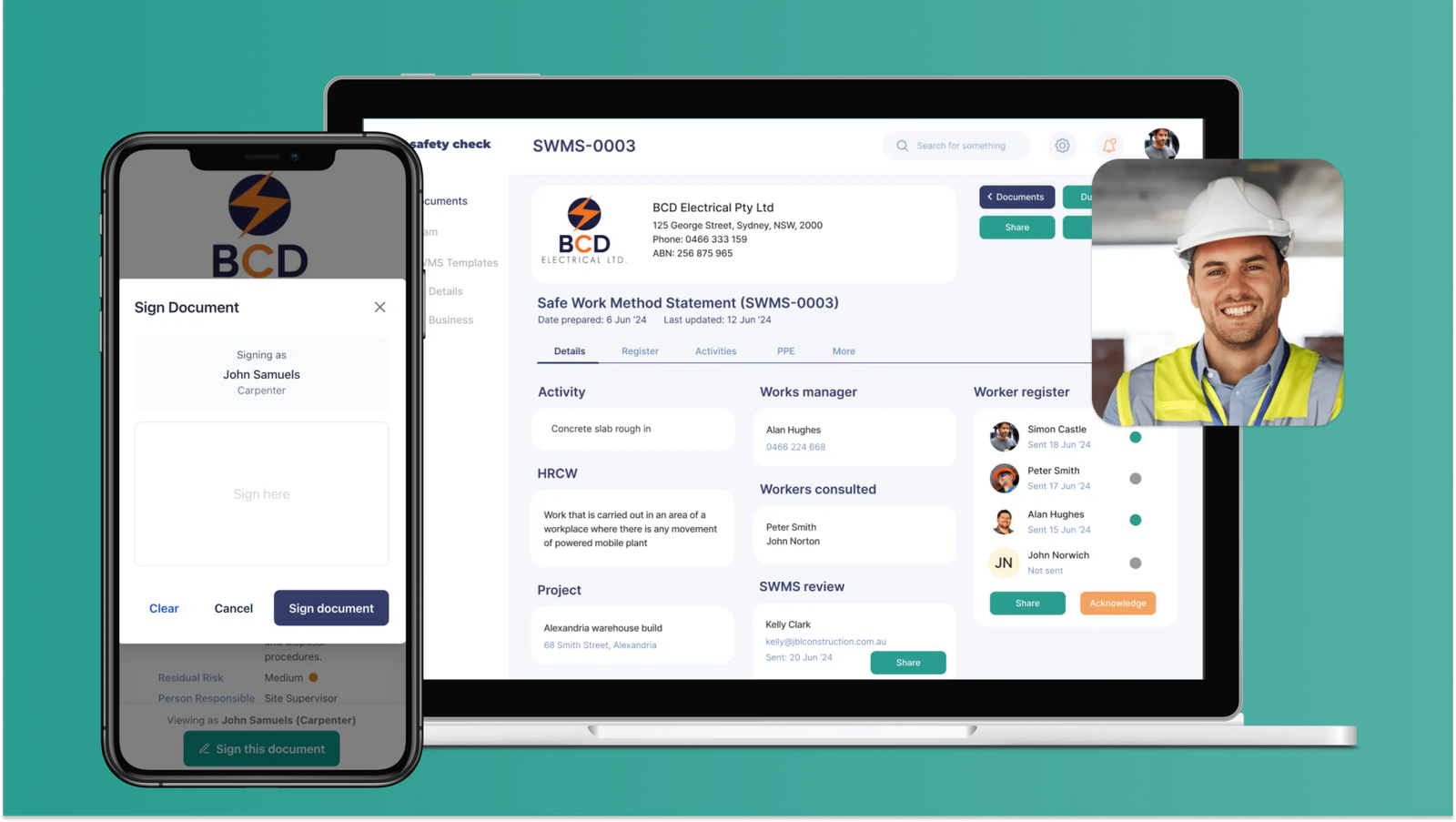
As a builder or tradesperson in Australia, you know you need a SWMS (Safe Work Method Statement) every time you do HRCW. Sometimes you need one even when you’re not doing HRCW, because a Principal Contractor needs one on their end. Dealing with all these SWMS is a lot easier if you use a digital system.
The Problem with Paper and Microsoft Word
Most businesses still use printed SWMS’s from Microsoft Word or a PDF which they keep on their laptop. They need their laptop to copy or edit it and need a printer. If you’re doing this you’re probably wasting time in the office on Monday morning, doing too much admin.
Paper SWMS also get damaged and lost on site. They sit in the site office so people can sign them as they come in, but there’s no record when they go missing. If you’re doing multiple projects this becomes a mess and a risk if SafeWork wants to check what you’re doing.
A digital SWMS, like the one offered by safetycheck.co, makes the whole SWMS process much easier and you can even do it on your mobile. Here’s what you can do:
● Create a new SWMS in minutes: You can make a new SWMS document by copying one of your old ones, using a pre-filled template, or writing a fresh one. You can also add tasks, PPE and Emergency items from your previous documents, or from a library of templates.
● Make a quick edit on mobile: All your SWMS documents are stored online so you can access them anywhere, even on your smart phone. If you need to make a change to a SWMS, or get another signature that can be done in minutes from the worksite.
● Get digital signatures: Digital platforms make it easy to share SWMS documents with your entire team, subcontractors, and clients. Just add people to the SWMS register then they’ll get an email asking for their signature.
● Send by email or PDF: Once the SWMS is signed you can send it to all relevant parties directly by email, or download a PDF for email or printing. This will keep your entire team, subcontractors, and clients on the same page.
Moving to a digital solution isn’t just about saving time; it’s about making safety easy and a key part of your workflow. There’s a lot of solutions out there so we’ve put together a list of options below for comparison.
| Name | What’s it do | Who’s it for | Cost (per month) | Easy to use |
| SafetyCheck | Just SWMS | Builders and trades | $16 to $50 | Yes |
| SafetyCulture | All safety processes | Large construction | $24 per user | No |
| SiteMate | All safety processes | Large construction | $25 per user | No |
| HazardCo | All safety processes | Small builders | $85 to $149 | Yes |
| Fergus & Tradify | All business processes | Small trade businesses | $44 to $65 | Yes |
If you want to digitise your SWMS sign up to SafetyCheck one the website, get in touch on Insta @safetycheckco or at simon@safetycheck.co